DVMiQ Resource Management

Your clinic, coordinated.

DVMiQ is a clinic resource management platform built for veterinary practices. Real-time room status, patient tracking, and team coordination, so your whole clinic is always on the same page.

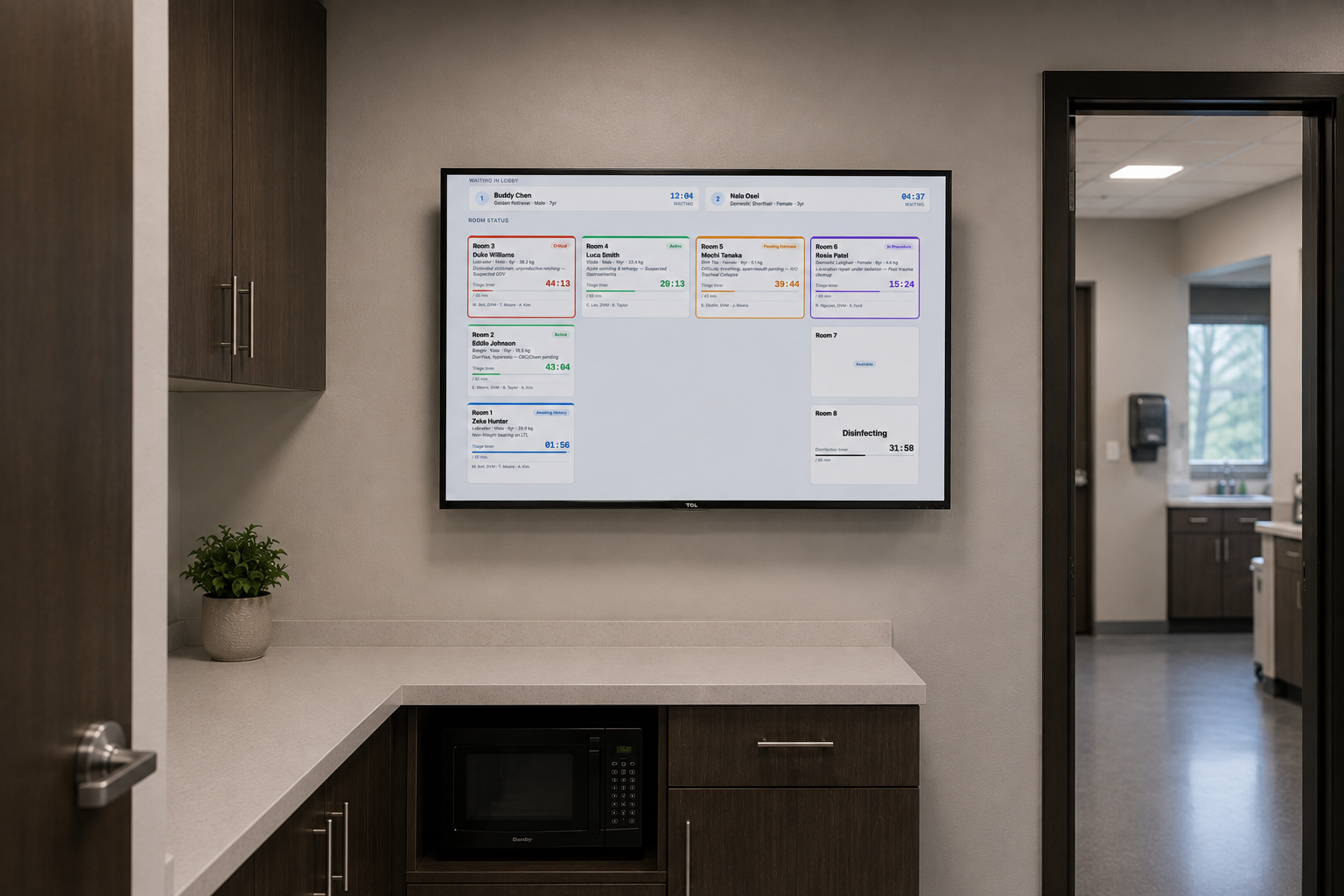
DVMiQ room status display
DVMiQ Resource Management

Built around how your clinic actually runs

DVMiQ started with a specific observation, not a market study: busy exam rooms run on sticky notes, whiteboards, and memory. Whiteboards get wiped, handoffs get missed verbally, and nobody has a simple, real-time view of which rooms are open or which cases need a re-check. Being inside a teaching hospital, rotation after rotation, gave us a front-row seat to that gap, which is why DVMiQ starts with room and resource management before anything else.

01

Room Status Displays

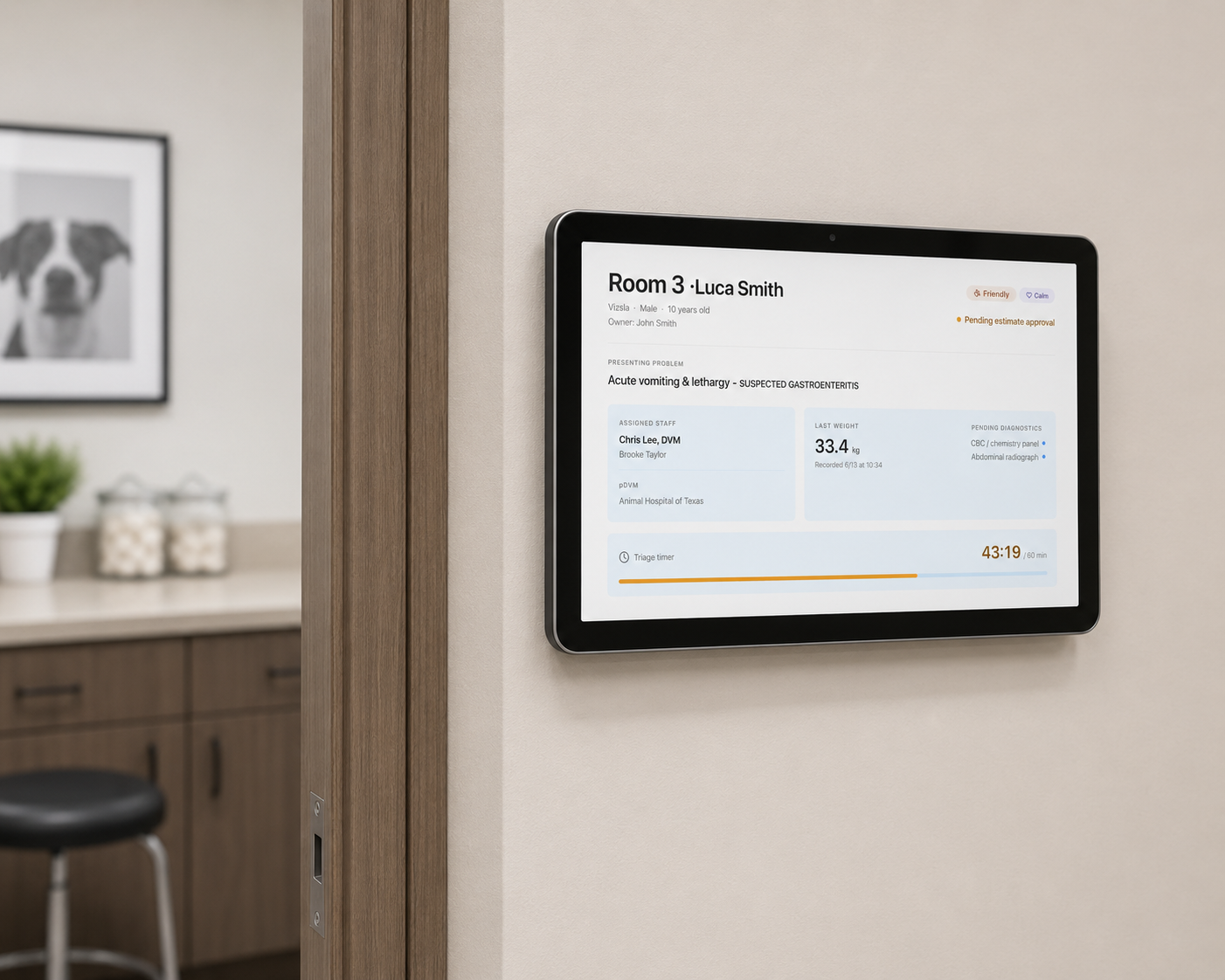
Per-room screens mounted outside each exam room show the patient name, attending clinician, and current status in real time. Staff know at a glance what's happening in every room without interrupting the appointment.

02

Central Management View

A single dashboard gives the front desk and practice manager a live view of every room in the clinic: who's in, what's pending, what's open. No more calling back to check on room availability.

03

Patient Flow Tracking

Track each patient from check-in through discharge. Status updates propagate across the room displays and central view automatically, keeping the whole team aligned without a separate communication layer.

04

PIMS Integration

DVMiQ pulls live appointment and patient data directly from your clinic's PIMS. Room assignments, patient details, and clinician schedules stay in sync: no manual entry, no duplicate data.

Also included: discharge instructions, digital consent forms, and AI-assisted clinical documentation tools. A growing roadmap of clinic-specific features is in active development.
See how it works

Room displays, central tracking, and patient flow, live across your whole clinic.

DVMiQ room display screen

Per-room screens: Mounted outside each exam room, showing patient, clinician, and live status at a glance.

Hardware-light setup: Each exam room runs a dedicated DVMiQ display unit which is provisioned, configured, and maintained as part of the platform.

Always current: Status updates push instantly from the central system over WebSocket: no polling, no refresh.

Consent forms available at select clinics. A growing roadmap of clinic-specific features is in active development.
How DVMiQ fits into your clinic

DVMiQ works alongside your existing practice management system. It handles the coordination layer, so your team spends less time tracking down status and more time with patients.

At the Front Desk

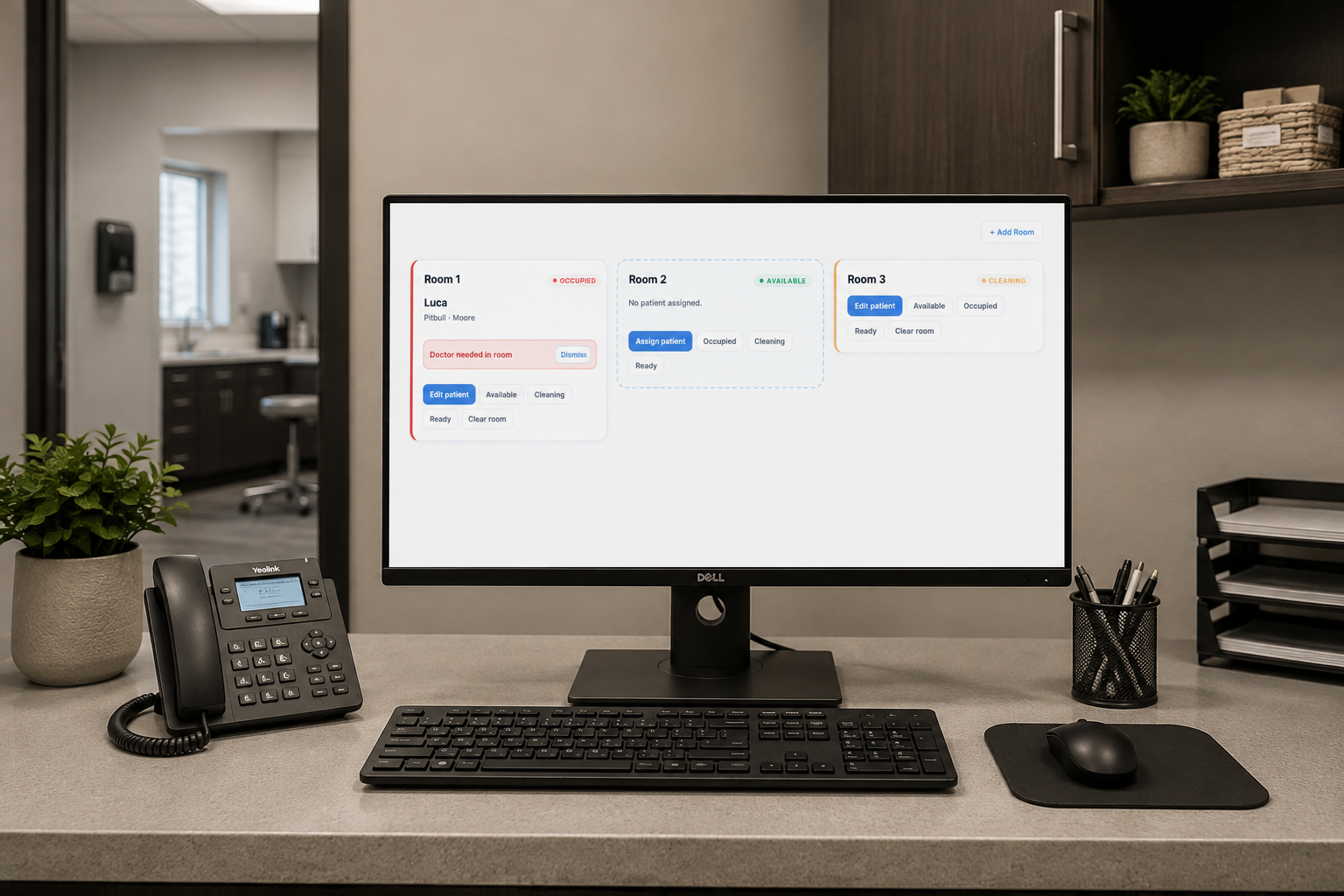
Check a patient in and assign them to a room. The room display updates instantly. The central view shows front desk staff exactly what's happening across every exam room: open, occupied, or pending.

In the Exam Room

The room display outside the door shows the patient name, attending clinician, and current status. Staff know whether a room is in progress, waiting on results, or ready to clean, without opening the door.

At Discharge

Initiate discharge from the platform and the room status updates across the system. Generate discharge instructions and route consent forms, all from the same interface before the client leaves.

DVMiQ Resource Management is currently in pilot access. Request access to start the onboarding conversation with our team. Existing users can log in at dvm-iq.com/transcription.

Ready to put your clinic on the same page?

DVMiQ is purpose-built for veterinary practices, not a generic clinic tool adapted for veterinary use. Join the pilot program and see the difference.